
Check and Register Your Mobile Device with PTA
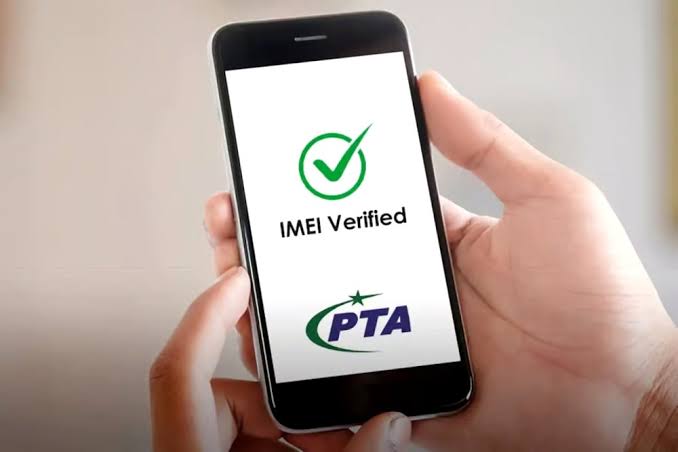
The Pakistan Telecommunication Authority (PTA) requires all mobile devices used on local networks to be registered through the Device Identification Registration and Blocking System (DIRBS). This system helps prevent the use of illegal, smuggled, and non-compliant mobile phones across Pakistan.
If your device is not PTA approved, you may experience network restrictions or service interruptions. Therefore, it is important to verify your device status and complete registration as soon as possible.
Why PTA Mobile Registration Is Important
PTA registration helps:
- Prevent the use of illegally imported devices
- Improve mobile network security
- Ensure compliance with local telecom regulations
- Protect consumers from counterfeit and cloned devices
- Support legal imports and government revenue collection
How to Check Your Mobile IMEI Number
Every mobile phone has a unique 15-digit IMEI number. You can find it using any of the following methods:
- Dial *#06# from your mobile phone
- Check the original phone box
- Open Settings > About Phone > IMEI Information
- For iPhone: Settings > General > About
- Check under the battery compartment (for removable battery devices)
How to Verify PTA Approval Status
Method 1: SMS Verification
- Open your messaging app.
- Type your 15-digit IMEI number.
- Send it to 8484.
- PTA will send you a status message regarding your device.
Method 2: DIRBS Online Portal
Visit the PTA DIRBS portal and enter your IMEI number to check whether your device is compliant and registered.
Method 3: Mobile Application
Download the official DIRBS application and verify your device directly through the app.
Understanding PTA IMEI Status Messages
IMEI is Compliant
Your device is PTA approved and can be used without restrictions.
IMEI Requires Registration
Your device is valid but has not yet been registered. Complete the registration process to avoid service interruption.
IMEI is Non-Compliant
The device may not meet PTA requirements or could have a duplicated IMEI. Additional verification may be required.
Device IMEI is Blocked
The device has been reported lost, stolen, or blocked. Contact PTA for further assistance.
Important Tips Before Buying a Mobile Phone
- Always verify the IMEI before purchasing a used device.
- Purchase phones from trusted sellers only.
- Ensure the device is PTA approved.
- Keep purchase receipts and registration records.
- Verify dual SIM devices using both IMEI numbers.
Need Help with PTA Mobile Registration?
Our team can assist you with PTA mobile registration, IMEI verification, DIRBS guidance, and compliance procedures. Contact us today for professional assistance and ensure your device remains active on all Pakistani mobile networks.